MCP Integration Guide
The Model Context Protocol (MCP) is an open standard that allows developer clients (like Claude Code, Cursor, and Windsurf) to securely discover and consume tools and resources provided by local processes.
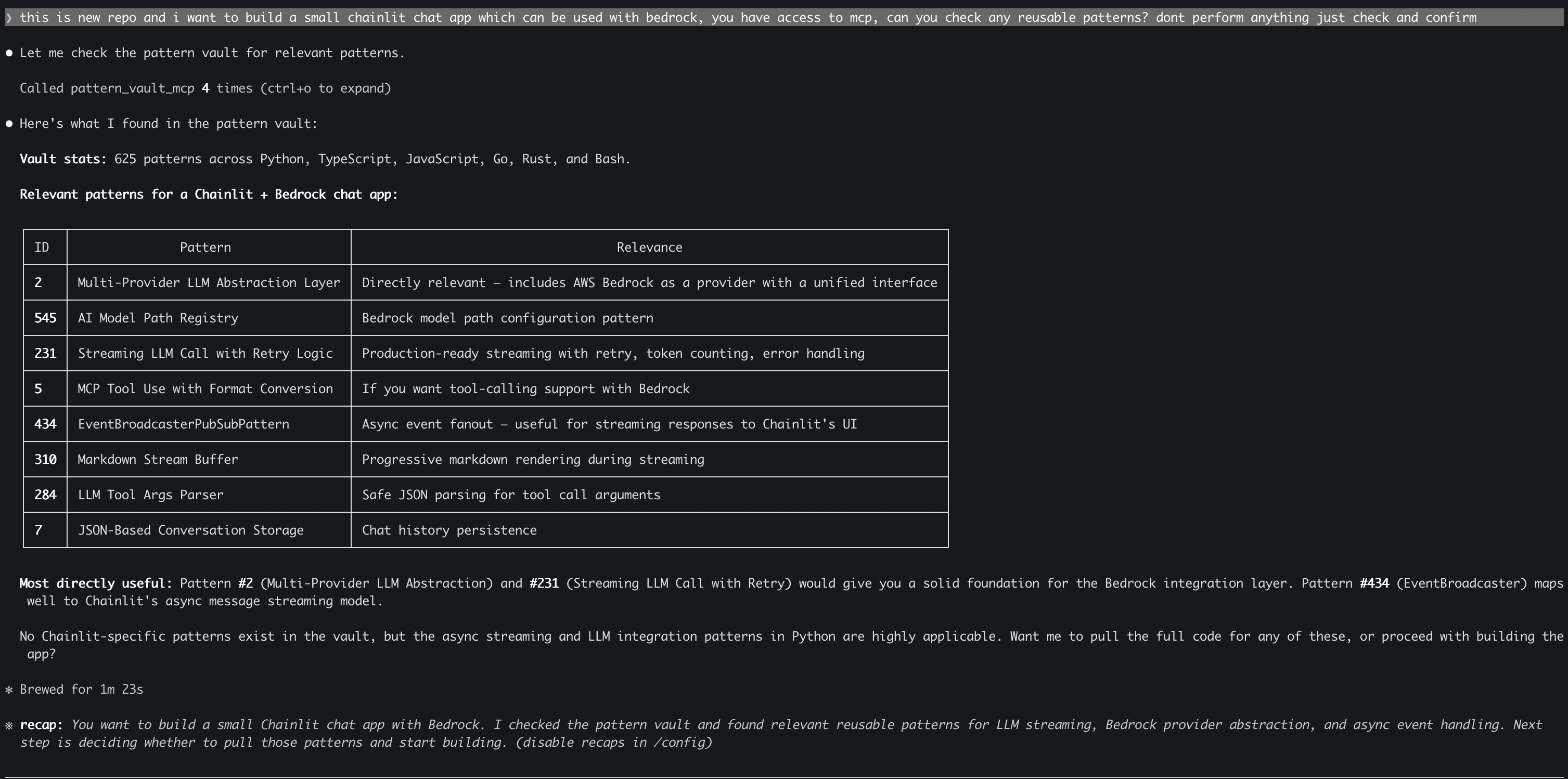
Pattern Vault exposes a fully compliant FastMCP server, allowing Claude to search and retrieve your saved patterns during active coding sessions.
Transport Protocols
Pattern Vault supports two connection methods:
- Stdio Transport (Recommended for local CLI clients): Claude spawns the Python process in the background and communicates over standard input/output streams. Extremely secure and requires zero long-running background daemons.
- HTTP/SSE Transport (Recommended for multi-client dashboards): Exposes a web socket/SSE service. Useful if you want the React UI and external IDEs to connect to a single shared background daemon.
1. Stdio Configuration
To integrate with Claude Desktop or Claude Code, update your global MCP configuration file.
Configuration Path
- macOS:
~/Library/Application Support/Claude/claude_desktop_config.json - Windows:
%APPDATA%\Claude\claude_desktop_config.json
JSON Configuration
Add the pattern-vault server definition. Replace /absolute/path/to/pattern-vault with the actual path to your repository:
{
  "mcpServers": {
    "pattern-vault": {
      "command": "uv",
      "args": [
        "run",
        "python",
        "-m",
        "pattern_vault.server.mcp_server"
      ],
      "cwd": "/absolute/path/to/pattern-vault"
    }
  }
}
2. HTTP/SSE Configuration
If you prefer to run the server in HTTP mode, start the daemon first:
uv run pv serve --transport http --host 127.0.0.1 --port 8002
Then configure your IDE (such as Cursor or Windsurf) to point to the server url:
{
  "mcpServers": {
    "pattern_vault_mcp": {
      "type": "http",
      "url": "http://127.0.0.1:8002/mcp"
    }
  }
}
Available MCP Tools
When Claude connects, it automatically discovers eight powerful tools:
| Tool | Parameters | Mode | Description |
|---|---|---|---|
search_patterns |
query, category?, language?, limit? |
Read | Search saved code patterns with FTS5/BM25. Returns compact summaries to save context window tokens. |
get_pattern |
pattern_id |
Read | Retrieve the complete metadata and raw source code of a single pattern. |
add_pattern |
name, summary, code_text, category, language, tags |
Write | Manually ingest a pattern into the database. |
save_insight |
repo_path, insight_text, tags? |
Write | Log a project-level architectural insight. |
list_tags |
category? |
Read | List all tags currently stored in the database. |
list_categories |
— | Read | List all pattern categories. |
vault_stats |
— | Read | Retrieve statistics on total patterns, languages, and storage size. |
reindex |
path, repo_name?, dry_run? |
Write | Run the batch tree-sitter scanning and LLM extraction pipeline on a local path. |
Example Prompts to Try
Once connected, your AI assistant is aware of your pattern library. Try asking:
- "Search my pattern vault for redis caching decorator."
- "Check what auth middleware examples I have in Go."
- "Retrieve the full code for pattern ID 42."
- "Index my current project directory using the curated profile."